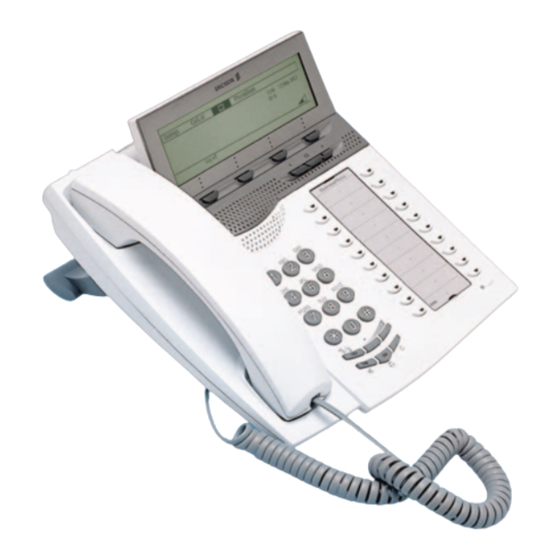
Ericsson Dialog 4425 IP Vision Kurzanleitung
Businessphone communication platform
Vorschau ausblenden
Andere Handbücher für Dialog 4425 IP Vision:
- Bedienungsanleitung (140 Seiten) ,
- Kurzanleitung (41 Seiten)
Verfügbare Sprachen
Verfügbare Sprachen
Quicklinks
?
Dialog 4425 IP Vision
BusinessPhone Communication Platform
Cover Page Graphic
Place the graphic directly on the page, do not care about
putting it in the text flow. Select Graphics > Properties
and make the following settings:
•
Width: 15,4 cm (Important!)
•
Height: 11,2 cm (May be smaller)
•
Top: 5,3 cm (Important!)
•
Left: -0,3 cm (Important!)
This text should then be hidden.
Quick Reference Guide

Verwandte Anleitungen für Ericsson Dialog 4425 IP Vision


Inhaltszusammenfassung für Ericsson Dialog 4425 IP Vision
- Seite 2 LZTBS 160 345 R1B © Ericsson Enterprise AB 2003 BusinessPhone – Ericsson Dialog 4425 IP Vision...
- Seite 8 Neue Nebenstellennr. í Während Sie telefonieren # 2 1 * Zum Freisprechen Aufheben: Rufnummer der  d í wechseln: Nebenstelle * 2 2 * Zum Hörer wechseln: Externe Rufumleitung: Amtskennziffer í + Externe Rufnr. BusinessPhone – Ericsson Dialog 4425 IP Vision...
- Seite 9 * 2 3 * 9 Markierte Die jeweilige Option wurde Optionsschaltfläche ausgewählt. Sprachinformationen: Sprechen Nicht markierte Die jeweilige Option ist nicht Optionsschaltfläche ausgewählt. Abspielen: Neue Aufnahme: Sprechen í Anhalten und speichern: Standard: 0000 BusinessPhone – Ericsson Dialog 4425 IP Vision...