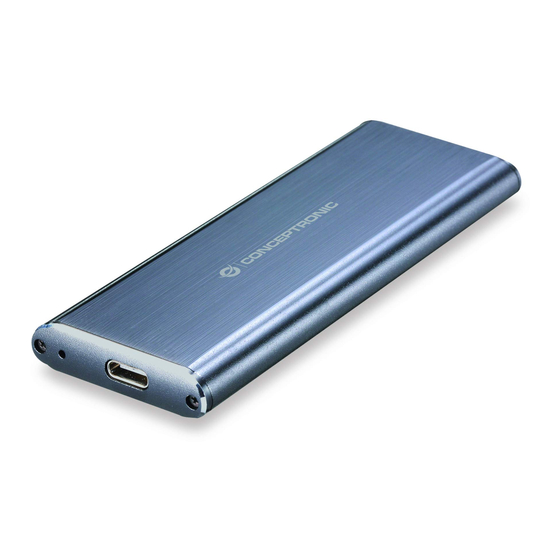
Conceptronic HDE01G Kurzanleitung
M.2 ssd enclosure
usb 3.1 type-c
Inhaltsverzeichnis
Verfügbare Sprachen
Verfügbare Sprachen
Quicklinks
Inhaltsverzeichnis

Verwandte Anleitungen für Conceptronic HDE01G


Inhaltszusammenfassung für Conceptronic HDE01G
- Seite 2 Assembly Guide Step 1 English : Remove the two screws out, and then remove the PCB. Deutsch : Entfernen Sie die beiden Schrauben und anschließ end die Leiterplatte. Français : Retirez les deux vis, puis retirez la carte de circuit imprimé. Español : Quite los dos tornillos y, a continuación, retire la placa de circuito impreso.
- Seite 3 Italiano : Installare M.2 SSD nella PCB e fissarla con una vite. Português : Instale o SSD M.2 na placa PCB e fixe-o com um parafuso. Polski : Zainstaluj dysk SSD M.2 na płytce drukowanej i dokręć go śrubą. Step 3 English : Slide the PCB back into the enclosure.
-
Seite 5: Installation & Verwendung
Deutsch Conceptronic HDE01G 1. Packungsinhalt M.2 SSD Enclosure USB 3.1 Type-C cable Screws and screwdriver Multi language quick installation guide 2. Installation & Verwendung Mit Computer verbinden Verbinden Sie das USB-Type-C-Kabel mit dem Gehäuse und einem freien USB-Anschluss an Ihrem Computer.