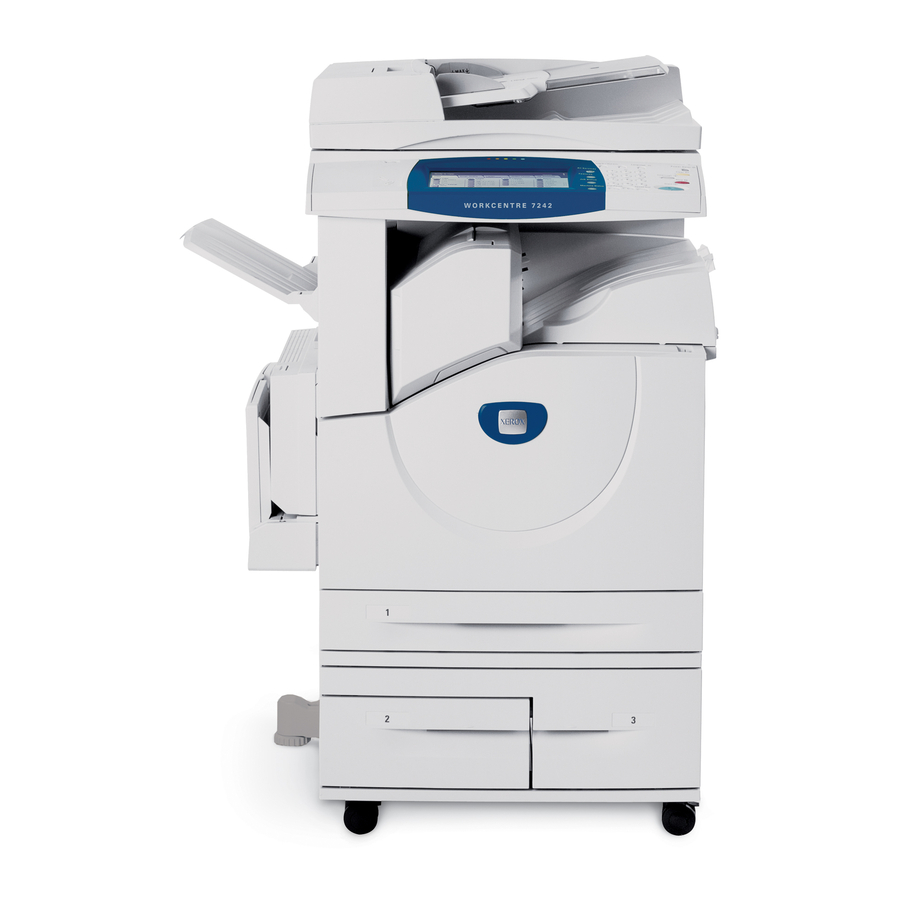
Xerox WorkCentre 7232 Schnellstartanleitung
Vorschau ausblenden
Andere Handbücher für WorkCentre 7232:
- Handbuch (128 Seiten) ,
- Anweisungen (4 Seiten) ,
- Installationsanleitung (96 Seiten)
Verfügbare Sprachen
Verfügbare Sprachen
Quicklinks
Quick Network Setup Guide
This guide includes instructions for:
Quick Network Setup (DHCP)
Quick Network Setup (Static IP)
Note
For more detailed instructions, see the System Administrator Guide.
Quick Network Setup (DHCP)
The System Administrator Guide contains detailed information about network setups. This
document is intended for setting up the network using TCP/IP. If using Novel IPX, see the
System Administrator Guide for setup procedures.
Prerequisites for Quick Network Setup Using TCP/IP
1.
Confirm that an existing operational network utilizing TCP/IP is available.
2.
Confirm that the Ethernet cable is plugged into the multifunction device and into an
operational Ethernet port on the network.
Note
The Ethernet cable is an RJ45 type and is not supplied by Xerox.
Configuring an IP Address via DHCP
On startup, the multifunction device defaults to DHCP to obtain its network configurations.
A DHCP server delivers an IP address, as well as other configuration settings to the device. If
you use a DHCP server to allocate an IP address to the device, then proceed as follows:
Procedure for Quick Network Setup Using TCP/IP
1.
Power on the device.
2.
Wait 3 to 5 minutes while the device negotiates an IP address.
3.
Print the Configuration Report:
a.
Press the
b.
Select the Billing Information tab.
c.
Touch Print Reports.
d.
Touch Copy Reports.
e.
Touch Configuration Report.
f.
Press the
Copyright © 2007, Xerox Corporation. All rights reserved.
on page 1
on page 3
Machine Status
button on the device.
Start
button, then touch Close.
Xerox WorkCentre
1
®
7232/7242
701P46477
v1 .0

Verwandte Anleitungen für Xerox WorkCentre 7232


Inhaltszusammenfassung für Xerox WorkCentre 7232
- Seite 13 Sicherstellen, dass das Ethernet-Kabel an das Multifunktionsgerät und einen funktionsfähigen Ethernet-Netzwerkanschluss angeschlossen ist. Hinweis Das Ethernet-Kabel ist ein RJ-45-Kabel, das nicht von Xerox geliefert wird. IP-Adresse über DHCP konfigurieren Beim Einschalten des Multifunktionsgeräts wird zum Abrufen der Netzwerkkonfiguration automatisch DHCP verwendet. Ein DHCP-Server stellt dem Gerät eine IP-Adresse sowie andere Konfigurationseinstellungen zur Verfügung.
-
Seite 14: Starttaste
Konfigurieren des Geräts über einen PC. Der Standard-Benutzername ist "11111", das Kennwort lautet "x-admin". Bei Benutzername und Kennwort ist die Groß-/ Kleinschreibung zu beachten. Nach der Installation sollten die Standardwerte geändert werden. Druckertreiber auf allen Rechnern installieren, die auf das Gerät zugreifen. Copyright ©2007, Xerox Corporation. Alle Rechte vorbehalten. - Seite 15 Netzwerk einen Browser (z. B. Internet Explorer) starten und die IP-Adresse des Geräts im Format http://xxx.xxx.xxx.xxx eingeben. Sofern eine Verbindung besteht, wird die CentreWare Internet-Services-Webseite für das Gerät angezeigt. Druckertreiber auf allen Rechnern installieren, die auf das Gerät zugreifen. Copyright ©2007, Xerox Corporation. Alle Rechte vorbehalten.
- Seite 16 Netzwerkeinrichtung (statische IP-Adresse) Diese Seite wurde absichtlich frei gelassen. Copyright ©2007, Xerox Corporation. Alle Rechte vorbehalten.