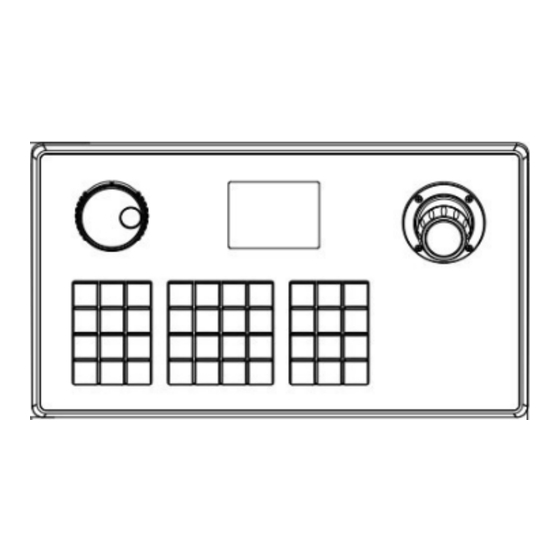
Comelit IPKYBA01B Anleitung
Verfügbare Sprachen
Verfügbare Sprachen
Quicklinks
IPKYBA01B
Prima di utilizzare questo dispositivo, leggere
attentamente
il presente manuale e conservarlo per future
consultazioni
Please read this manual thoroughly before use and
keep it
for future reference
Avant d'utiliser ce dispositif, veuillez lire attentivement
ce
manuel et le conserver en cas de nécessité future
Lea este manual atentamente antes del uso y
consérvelo
para consultarlo en el futuro
Bitte lesen Sie diese Anleitung vor Gebrauch
gründlich
durch und bewahren Sie sie auf zum späteren
Nachschlagen
Lees deze handleiding voor gebruik aandachtig door
en bewaar hem voor toekomstige referentie

Verwandte Anleitungen für Comelit IPKYBA01B


Inhaltszusammenfassung für Comelit IPKYBA01B
- Seite 1 IPKYBA01B Prima di utilizzare questo dispositivo, leggere attentamente il presente manuale e conservarlo per future consultazioni Please read this manual thoroughly before use and keep it for future reference Avant d'utiliser ce dispositif, veuillez lire attentivement manuel et le conserver en cas de nécessité future Lea este manual atentamente antes del uso y consérvelo...
- Seite 2 IT - Utilizzo della tastiera: Selezionare il menù “SYSTEM SETUP”, e quindi “PTZ SPEED”. E’ possibile muoversi all’interno del menù tramite il joystick. Il tasto Impostando la velocità su “AUTO” la telecamera segue la velocità “ENTER” permette di entrare nel menù desiderato e di confermare con cui l’utente muove il joystick, oppure sono disponibili 8 livelli di l’operazione, il tasto “ESC”...
- Seite 3 EN - Keyboard Usage: Select the “SYSTEM SETUP” menu, and then “PTZ SPEED”. Setting the speed to “AUTO” allows the camera to follow the speed It is possible to navigate through the menu using the joystick. The “ENTER” key allows you to enter the desired menu and confirm the at which the user moves the joystick, or 8 speed levels are operation, while the “ESC”...
- Seite 4 FR - Utilisation du clavier : Vitesse PTZ : Il est possible de naviguer dans le menu à l’aide du joystick. La Sélectionner le menu “SYSTEM SETUP”, puis “PTZ SPEED”. En touche “ENTER” permet d’entrer dans le menu souhaité et de réglant la vitesse sur “AUTO”, la caméra suit la vitesse à...
- Seite 5 ES - Uso del teclado: Seleccionar el menú “SYSTEM SETUP”, y luego “PTZ SPEED”. Al configurar la velocidad en “AUTO”, la cámara sigue la velocidad Es posible moverse dentro del menú utilizando el joystick. La tecla “ENTER” permite ingresar al menú deseado y confirmar la con la que el usuario mueve el joystick, o también se puede elegir operación, la tecla “ESC”...
- Seite 6 DE - Tastaturbenutzung: PTZ-Geschwindigkeit: Das Menü „SYSTEM SETUP“ auswählen und dann „PTZ SPEED“. Es ist möglich, sich mit dem Joystick im Menü zu bewegen. Die Taste „ENTER“ ermöglicht den Zugriff auf das gewünschte Menü Wenn die Geschwindigkeit auf „AUTO“ eingestellt ist, folgt die und bestätigt die Aktion, die Taste „ESC“...
- Seite 7 Selecteer het menu “SYSTEM SETUP” en dan “PTZ SPEED”. Als NL - Gebruik van het toetsenbord: de snelheid op “AUTO” staat, volgt de camera de snelheid Het is mogelijk om door het menu te navigeren met de joystick. De waarmee de gebruiker de joystick beweegt, of kies uit 8 toets “ENTER”...