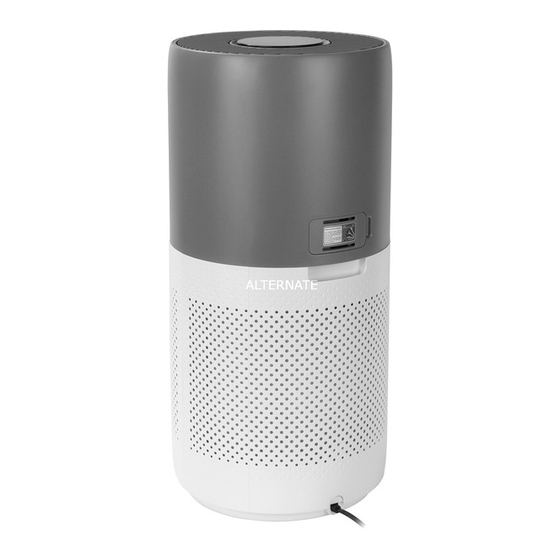
Philips 2000i Serie Kurzanleitung
Vorschau ausblenden
Andere Handbücher für 2000i Serie:
- Benutzerhandbuch (190 Seiten) ,
- Benutzerhandbuch (190 Seiten)
Verfügbare Sprachen
Verfügbare Sprachen
Quicklinks
Mars LE AC2936/2939 DI DACH_EN
Connectivity
You can use the app to control the puri er and check air quality.
Download and install the Philips app
Clean Home+
Open the app and click on "Connect a New Device" or press
the "+" button to connect your device. Please follow the steps
in the app.
Control
Filter status/
Display
Power
reset
switch
Hold for
IAI
3 seconds to
PM2.5
turn o the
puri er
Display
Auto mode
Turbo mode
Wi-Fi
Filter cleaning
indicator
alert
Indoor allergen
PM2.5
index
indicator
Allergen index
1-12, 1 indicates
best air quality
Mode
Light
switch
on/o
Auto
Turbo
Gentle
Sleep
Gentle mode
Sleep mode
Filter replacement
alert
3-digit display
Air quality
PM2.5 /
light
IAI
Good
Fair
Poor Very poor
Maintenance
1
2
2
NanoProtect lter Series 3 (FY2180/30)
When display shows
Time to clean the NanoProtect lter Series 3
When display shows
Time to replace the NanoProtect
lter Series 3
Press
to check lter lifetime status.
!
Press
for 3 seconds to reset after cleaning or replacing lter.
The lter may produce smell after being used for a while because of the
absorption of indoor air. Remove the lter and place it where it has direct
sunlight and ventilation for several hours. Re-install and try using it again.
If the odor remains, please replace the lter.
90x127mm
3000 048 95951-1

Verwandte Anleitungen für Philips 2000i Serie


Inhaltszusammenfassung für Philips 2000i Serie
-
Seite 2: Wartung Und P Ege
Anschlüsse Wartung und P ege Sie können die App verwenden, um den Luftreiniger zu steuern und die Luftqualität zu überprüfen. Laden Sie die Philips App herunterladen und installieren Sie sie. Clean Home+ Ö nen Sie die App, und klicken Sie auf "Neues Gerät verbinden"...