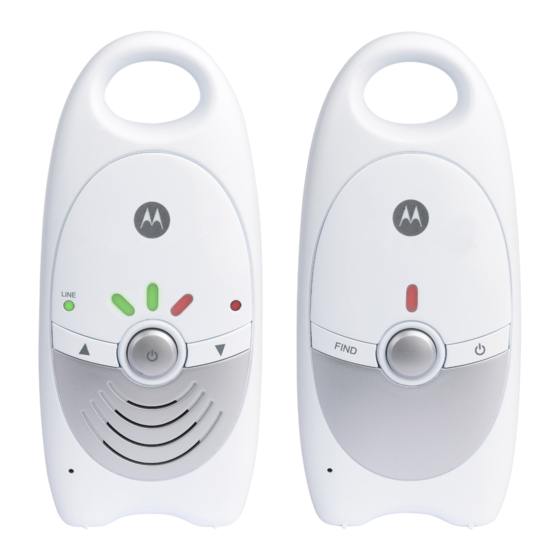
Motorola MBP10 Schnellstartanleitung
Vorschau ausblenden
Andere Handbücher für MBP10:
- Bedienungsanleitung (2 Seiten) ,
- Bedienungsanleitung (2 Seiten) ,
- Kurzbedienungsanleitung (2 Seiten)
Verfügbare Sprachen
Verfügbare Sprachen
MODEL:
MBP10
QUICK START GUIDE
For a full explanation of all features and instructions, please refer to the User's Guide.
1. Setting up your digital baby monitor
A. Installing the batteries for the Parent unit
Black
Red
C. Connecting the power supply for the parent unit
B. Replacing and removing the battery cover
• Insert the battery pack
into the battery
compartment and push
the plug into the
socket.
• Place the battery cover
into position, making
sure the battery sits
properly inside the
compartment.
D. Connecting the power supply for the baby unit
• Only use the
enclosed adapter
(5V DC/600mA).
• Turn the screw 90
degrees Clockwise to
lock the battery cover.
Open
Note: Charge the
90° MAX
batteries for 16 hours
before using without
mains power.
Close
• Only use the
enclosed adapter
(5V DC/600mA).
EU EN
Inhaltsverzeichnis

Verwandte Anleitungen für Motorola MBP10


Inhaltszusammenfassung für Motorola MBP10
- Seite 5 EU DE URZBEDIENUNGSANLEITUNG A. Akkupack in die Eltern-Einheit einsetzen B. Akkufachabdeckung anbringen & entfernen • Schließen Sie den • Drehen Sie die Schraube Akkustecker am 90° im Uhrzeigersinn fest Anschluss an und setzen (siehe Abb.) Schwarz Sie den Akkupack im Hinweis: Für den netzlosen 90°...
- Seite 6 Eltern-Einheit EIN/AUS-Taste Nach-oben-/Nach-unten-Taste Baby-Einheit PAGING-Taste © 2014 Gedruckt in China Version 2.0...