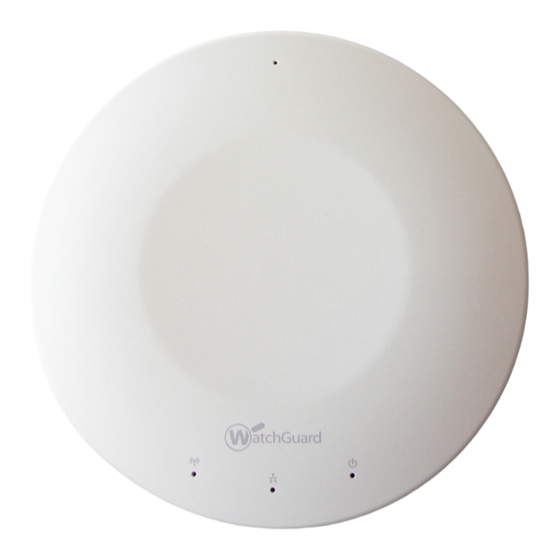
Watchguard AP200 Kurzanleitung

Verwandte Anleitungen für Watchguard AP200


Inhaltszusammenfassung für Watchguard AP200
- Seite 4 Schließen Sie das andere Ende des Ethernet-Kabels an das Netzwerk an. 1. Verwenden Sie den Policy Manager oder die Webbenutzeroberfläche von Fireware XTM zum Schließen Sie das Netzteil an den Gleichstromanschluss des WatchGuard AP-Geräts an. Falls Sie Bearbeiten der XTM-Gerätekonfiguration. einen PoE-Adapter verwenden, stellen Sie sicher, dass das Ethernet-Kabel mit dem richtigen 2.
- Seite 12 • CAN/CSA C22.2 No.60950-1-07+A1:2011 • IEC 60950-1+Amd1 2nd Edition (2005) Disclaimer • UL 60950-1:2007 R12.11 WatchGuard shall not be held liable if the end user alters, modifies, or repairs any WatchGuard • EN 60950-1:2006+A11+A1+A12 hardware appliance. Advertencia de seguridad HINWEISE ZUR SICHERHEIT • No coloque objetos sobre el cable de alimentación.
- Seite 16 Declaration of Conformity Este La operación de este equipo está sujeta a las siguientes dos condiciones: WatchGuard Technologies Inc. hereby declares that the product(s) listed below conform to the European Union directives and standards identified in this declaration. 1. es posible que este equipo o dispositivo no cause interferencia perjudicial y Product (s): Wireless Access Point, Model AP100 &...