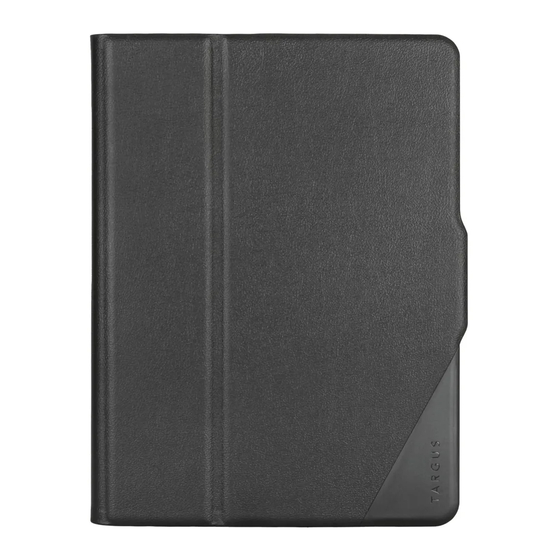
Targus Versavu Kurzanleitung
Tastaturgehäuse für das samsung galaxy tab 3 10.1
Verfügbare Sprachen
Verfügbare Sprachen
Quicklinks
2 YEARS LIMITED WARRANTY: We pride ourselves on the quality of our
products. For complete warranty details and a list of our worldwide offices,
please visit www.targus.com.
Features and specifications are subject to change without notice. Bluetooth
is a registered trademark of Bluetooth SIG, Inc. Apple and iPad® are
trademarks of Apple Inc., registered in the U.S. and other countries. All
trademarks and registered trademarks are the property of their respective
owners. ©2013 Targus Group International, Inc.
FCC ID: OXM000052
QD ID : B018080
N2953
Versavu™ Keyboard Case
for Samsung Galaxy Tab 3 10.1
User Guide

Verwandte Anleitungen für Targus Versavu


Inhaltszusammenfassung für Targus Versavu
- Seite 2 FI – Suomi, Targus Versavu™ -näppäimistökotelo Samsung Galaxy Tab 3 10.1. -laitteelle ............7 FR – Français, Housse avec clavier Targus Versavu™ pour Samsung Galaxy Tab 3 10.1 ............9 NO – Norsk, Targus Versavu™ tastaturveske for Samsung Galaxy Tab 3 10.1 ................. 11...
-
Seite 4: Einführung
2. Schalten Sie die Bluetooth Tastatur EIN und drücken Sie dann den Bluetooth Button auf der Tastatur. Die blaue LED blinkt. Die Versavu Tastatur geht nach 10 Minuten ohne Nutzung in einen Schlafmodus. Um Lautstärke hoch die Akkuleistung zu optimieren raten wir Ihnen die Tastatur vollständig aus zu schalten 3.