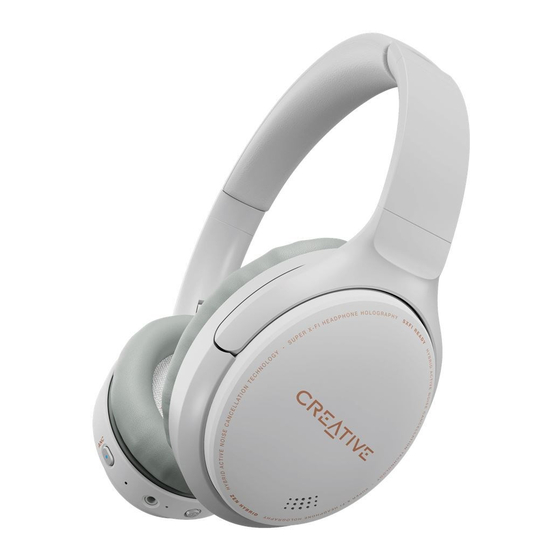
Creative Zen Hybrid Kurzanleitung
Vorschau ausblenden
Andere Handbücher für Zen Hybrid:
Verfügbare Sprachen
Verfügbare Sprachen
SAFE REMOVAL OF BUILT-IN BATTERY
Creative Zen Hybrid
(Model No: EF1010)
[EN]
Safe Removal of Built-In Battery
This product contains an integrated battery which should ONLY be removed by service centers or
recycling facilities with reference to the instructions herein. Creative and its affiliates will not be liable
for any damages resulting from attempting to remove and/or tampering with the battery or any part of
the product by an end user.
CAUTION:
Make sure the product is disconnected from the charging cable before removing the battery.
Cover one of the battery terminals with insulation tape to prevent short circuit - not applicable to
battery with connector.
1. Remove the Earcushion from the left Earcup Inner Frame
2. Remove the Earcup Inner Ring from the left Earcup Inner Frame
3. Unfasten the screws
4. Open the left Earcup Inner Frame
5. Remove the battery
Creative Zen Hybrid (EF1010) Safe Removal of Built-In Battery

Verwandte Anleitungen für Creative Zen Hybrid


Inhaltszusammenfassung für Creative Zen Hybrid
-
Seite 3: Akku Entnehmen
Dieses Produkt enthält einen integrierten Akku, der NUR durch Service-Center oder Recycling-Stellen unter Befolgung der hier enthaltenen Anleitung entfernt werden darf. Creative und dessen Partner haften nicht für eventuelle Schäden, die aus dem Versuch entstehen, den Akku oder beliebige andere Teile des Produkts auszubauen oder zu manipulieren.