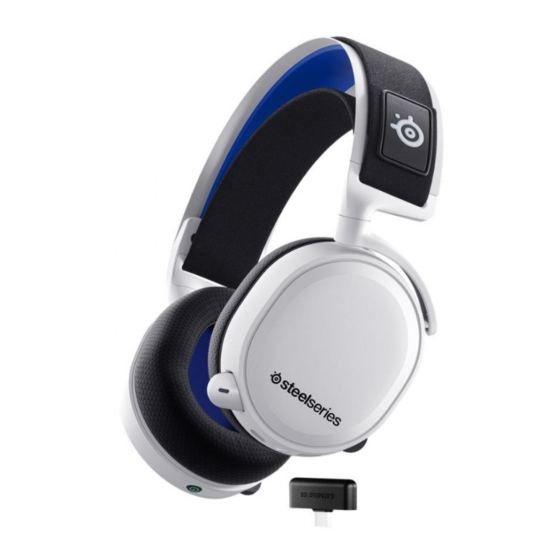
SteelSeries ARCTIS 7P+ WIRELESS Bedienungsanleitung
Inhaltsverzeichnis
Verfügbare Sprachen
Verfügbare Sprachen
Quicklinks
Inhaltsverzeichnis

Verwandte Anleitungen für SteelSeries ARCTIS 7P+ WIRELESS


Inhaltszusammenfassung für SteelSeries ARCTIS 7P+ WIRELESS
- Seite 1 ARCTIS 7P+ WIRELESS PRODUCT INFORMATION GUIDE...
-
Seite 2: Inhaltsverzeichnis
CONTENTS Product overview 5–6 Translations Español Setup 简体中文 Charging 繁體中文 日本語 Power On/Off 한국어 Pairing Deutsch Microphone Русский Multimedia Control Français Ski Goggle Headband Italiano Português Polski Regulatory... - Seite 9 WIRED SETUP Switch (Handheld-Mode) Android...
- Seite 20 設定 USB-C 充電線 無線設定 系統相容性 連接至 USB-A PlayStation 5, PlayStation 4, PC, Nintendo Switch, Android (帶 USB-C) 連接至 USB-C 如需幫助, 請訪問 support.steelseries.com PS5 設定 > 聲音 > 音訊輸出 產品概覽 輸出至耳機 所有音訊 滑雪護目鏡頭帶* PS5 設定 > 聲音 > 音量 Airweave 耳墊* 耳機...
-
Seite 26: Deutsch
DEUTSCH LIEFERUMFANG USB-C-Wireless-Dongle Produkt-Informationshandbuch 12 USB-C- auf USB-A-Adapterkabel 13 USB-C-Ladekabel Arctis 7P+ Wireless Headset USB-C-Wireless-Dongle 14 4-poliges 3,5-mm-Audiokabel* *Ersatzteile gibt es unter USB-C- auf USB-A-Adapterkabel steelseries.com/gaming-accessories 4-poliges 3,5-mm-Audiokabel EINRICHTUNG USB-C-Ladekabel HERSTELLEN DER DRAHTLOSVERBINDUNG KOMPATIBILITÄT Anschluss zu UBC-A PlayStation 5, PlayStation 4, PC, Nintendo Switch,... -
Seite 27: Positionierung
Anruf entgegennehmen/beenden Dongle erneut herzustellen: Power-Button einmal · drücken 15 Stecke den USB-C-Wireless-Dongle Nächster Titel einem Windows-PC, auf dem SteelSeries GG Power-Button einmal · · drücken installiert ist. Vorheriger Titel 16 Verbinde anschließend das Headset über das Power-Button · · · dreimal drücken USB-C-Ladekabel mit dem PC. - Seite 48 steelseries.com...