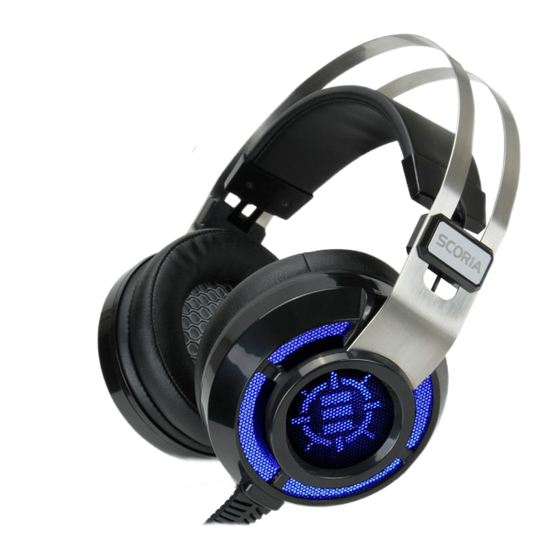
ENHANCE SCORIA Bedienungsanleitung
Mechanical gaming keyboard
Vorschau ausblenden
Andere Handbücher für SCORIA:
- Bedienungsanleitung (20 Seiten) ,
- Bedienungsanleitung (20 Seiten) ,
- Bedienungsanleitung (20 Seiten)
Verfügbare Sprachen
Verfügbare Sprachen
USER GUIDE • GUIDE DE L'UTILISATEUR
SCORIA
Mechanical Gaming Keyboard
™
REGISTER NOW
ENREGISTRER
This product comes with a 1 year limited warranty.
Register this product within 30 days of sale to activate a complimentary
2 year warranty extension and receive free advanced technical support.
Learn more and register now.
Ce produit a une garantie limitée de 1 an.
Enregistrez ce produit dans les 30 jours suivant son achat pour activer
l'extension de garantie de 2 ans et bénéficer de notre service après-
vente gratuit. Pour en savoir plus, enregistrez ce produit dès à présent.
ENHANCEgaming.com/warranty

Verwandte Anleitungen für ENHANCE SCORIA


Inhaltszusammenfassung für ENHANCE SCORIA
- Seite 2 ® ENHANCE INFILTRATE ™ GX-M4 MOUSE ENHANCE FULL-SIZE KEYBOARD WRIST PAD ®...
- Seite 3 ENHANCE SCORIA HEADSET ® ™ See more exciting products at: Voir plus de produits passionnants sur: Para los productos mas fasinantes visitenos: Weitere interessante Produkte an: Scopri altri fantastici prodotti su: 查看更多精彩的产品 AccessoryPower.com/promo AccessoryPower.com/promo...
- Seite 4 Need help with this product? Besoin d’assistance sur ce produit? ¿Necesita ayuda con este producto? Benötigen Sie Hilfe bei diesem Produkt? Hai bisogno di aiuto per questo prodotto? 购买的产品,是否需要提供协助? ENHANCEgaming.com/support...
- Seite 7 Function keys Touches Fonction Teclas de función USB cable Câble USB Cable USB WIN key Touche Windows Tecla de Windows FN (Function) key Touche FN (Fonction) Tecla FN (Función) Wrist rest Repose-poignet Soporte de muñeca Illuminated side panels Panneaux latéraux illuminés Paneles laterales iluminados Adjustable foot stands Pieds ajustables...
- Seite 14 FN + F7 Abspielen / Pausieren FN + F8 Nächste Spur FN + F9 E-Mail FN + F10 Internet-Startseite SCORIA FN + F11 Computer FN + F12 Taschenrechner Stecken Sie das USB-Kabel ON /OFF ON /OFF ein, während Ihr Rechner...
- Seite 15 Spielmodus Voreinstellungen für Spielmodus Tastenkombination Beleuchtete Tasten Ego-Shooter 1 FN + 1 W, A, S, D, C, X, R, E, F, G, Q, 4, Leertaste, Umschalttaste links Ego-Shooter 2 FN + 2 W, A, S, D, E, Q, V, R, 1, 2, Umschalttaste links, Control-Taste links, Leertaste Ego-Shooter 3 FN + 3...