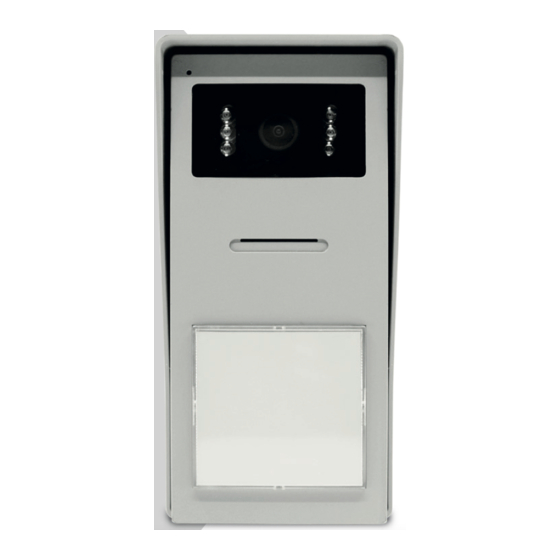
Farbvideo-Gegensprechanlage 7" 2-Draht
Inhaltsverzeichnis
-
A - Consignes de Sécurité
2
-
B - Description du Produit
3
-
-
Installation de la Platine de Rue
4
-
Installation du Moniteur
6
-
-
Branchement entre le Moniteur et la Platine de Rue
7
-
Identifier le Visiteur et Lui Parler
8
-
Paramètres Sur le Moniteur
9
-
Caracteristiques Techniques
10
-
A - Safety Instructions
12
-
-
Maintenance and Cleaning
12
-
B - Product Description
13
-
-
Intercom Panel Installation
14
-
Installing the Monitor
16
-
Connection between the Monitor and the Intercom Panel
17
-
-
Identify and Speak to the Visitor
18
-
Opening an Electric Lock and an Automatic Control System
18
-
Activate the Intercom Panel from the Monitor
18
-
-
Technical Characteristics
20
-
Onderhoud en Reiniging
22
-
B - Beschrijving Van Het Product
23
-
-
Installatie Van de Straatunit
24
-
Installatie Van Het Scherm
26
-
Aansluiting Tussen de Monitor en de Straatunit
27
-
Activeren Van de Straatunit Vanaf de Monitor
28
-
Parameters Op de Monitor
29
-
-
-
-
-
-
-
-
-
-
-
-
-
-
-
-
-
-
-
A - Normas de Seguridad
42
-
Mantenimiento y Limpieza
42
-
B - Descripción del Producto
43
-
-
Instalación de la Placa Externa
44
-
Instalación del Monitor
46
-
-
Conexión entre el Monitor y la Placa Externa
47
-
Parámetros en el Monitor
49
-
Asistencia y Asesoramiento
50
-
A - Instruções de Segurança
52
-
-
B - Descrição Do Produto
53
-
-
-
Assistência E Conselhos
60
-
A - Istruzioni DI Sicurezza
62
-
-
Manutenzione E Pulizia
62
-
B - Descrizione del Prodotto
63
-
-
Installazione Della Pulsantiera Esterna
64
-
Installazione del Monitor
66
-
Collegamento Tra Il Monitor E la Pulsantiera Esterna
67
-
Identificare Chi Ha Suonato Ecomunicare
68
-
Attivare la Pulsantiera Esternaa Partire Dal Monitor
68
-
Impostazioni Sul Monitor
69
-