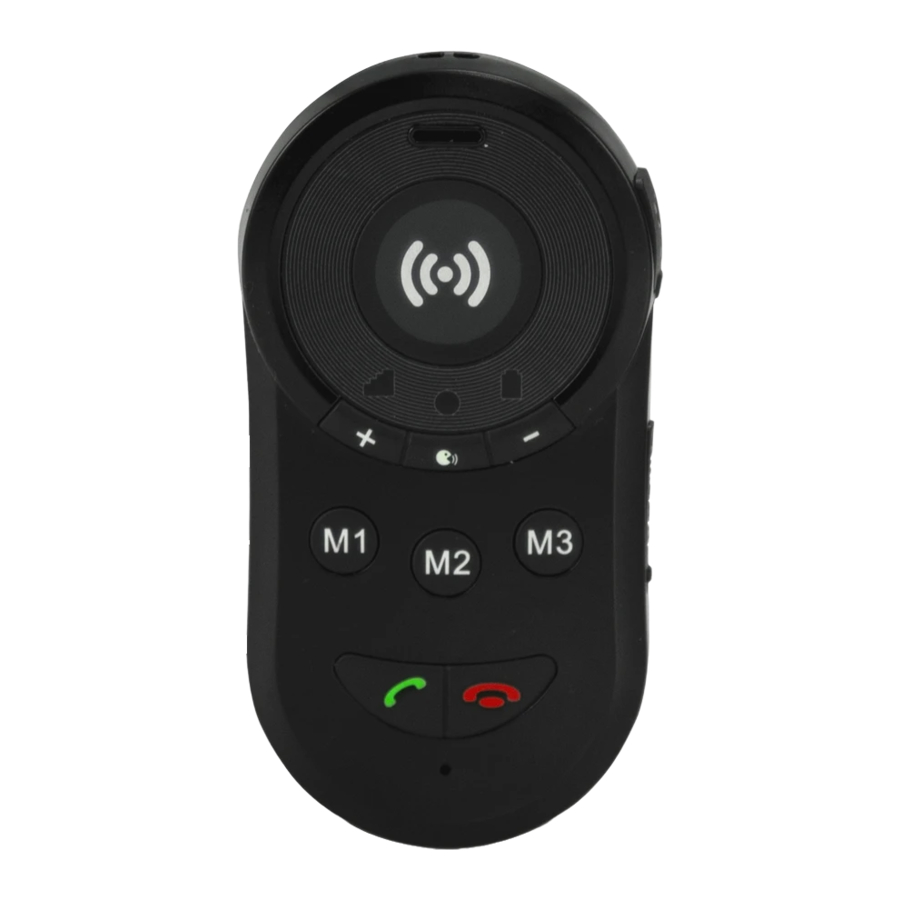
Fysic FXA-100 Installationsanleitung
Verfügbare Sprachen
Verfügbare Sprachen
Quicklinks
1
SIM card:
Mini SIM
Micro SIM
Nano SIM
3
angled corner
5
Charging:
7
INSTALLATION GUIDE
Choose the format:
Nano SIM
Make sure that
the SIM PIN code
Mini
SIM
is disabled and
the SIM is already
activated on
another mobile
Nano
SIM
phone
Slide the Nano SIM
card into the slot and
press it until it clicks
into place
Note the
Charge the alarm key
before first use
Insert the USB plug
into the back of the
charger
You can also charge
without the charging
station: To do this,
turn the rubber USB
cover upwards and
insert the plug here.
2
4
6
8
Switching on:
FXA-100
On the right side
of the alarm
button, pull the
rubber cover
"SIM-CAP" to the
right and turn it
upwards
Turn and snap
the rubber
closure back
into place
Put the alarm key
on charge
It takes about 8 hours
for an empty battery to
be fully charged
When the battery is
almost empty, an SMS
message can be sent
to SOS No. 1
Turn on the alarm
key by pressing and
holding the key with
the red cone for 4-5s.
Charge the product
before turning it on.

Verwandte Anleitungen für Fysic FXA-100

Inhaltszusammenfassung für Fysic FXA-100
- Seite 5 INSTALLATIONSLEITFADEN FXA-100 SIM-Karte: Benötigtes Ziehen Sie die Kartenformat: Gummiabdeckung NanoSIM „SIM-CAP“ auf Mini SIM Vergewissern Sie der rechten Seite sich. dass der PIN- des SOS-Telefons Mini Micro SIM Code der SIM-Karte zuerst nach rechts deaktiviert ist und und drehen Sie sie die SIM-Karte mit anschließend nach...
- Seite 6 Einrichten: Das System wird eingerichtet, indem Sie mit Hilfe eines anderen Mobiltelefons eine SMS-Nachricht an die Rufnummer des SOS-Telefons senden. SMS-Codes: Jede Einrichtungs-SMS muss mit „$ #“ beginnen. Im Anschluss daran folgt der Programmcode. Nach dem Programmcode muss das vierstellige Passwort (Standardpasswort: „1234“) folgen.