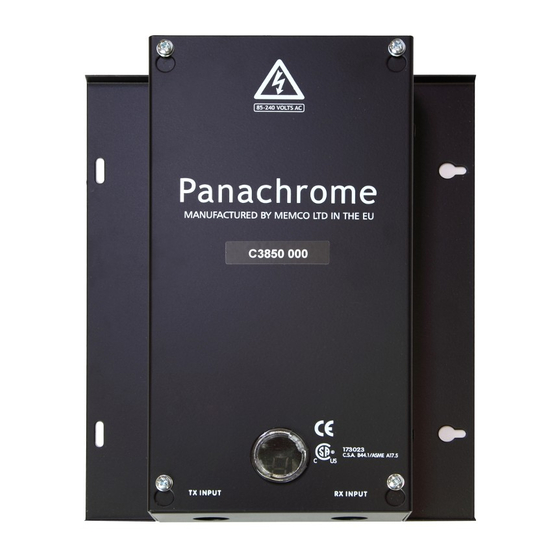
Memco Panachrome Einbauanleitung
Verfügbare Sprachen
Verfügbare Sprachen
Memco Panachrome
Universal Controller
Installation Guide
Ref No. C850 855 ML Version 2
Note: Before installing make sure units models are compatible to ensure reliable and
trouble-free operation:
1.
The Panachrome 2D Controller C2850 is designed to operate with Panachrome 2D Detectors [C2510 & C2540] - Check
you have the correct items.
2.
The Panachrome 3D Controller C3850 is designed to operate with Panachrome 3D detectors [C3510 & C3540] - Check
you have the correct items.
1. Installation
1.
Secure Panachrome Controller in a suitable position on
top of car to avoid damage.
2.
Connect the controller with the correct supply voltage &
Inputs (See Instruction Label inside Lid])
3.
It is important to ensure that the detector cables &
travelling cables (015 455) are secured to the door
correctly & that the travelling cables are routed to the
controller correctly.
4.
Connect the Transmit (TX) & Receive (RX) leads into the
controller sockets marked.
5.
On completion, carefully open and shut the doors by
hand. Check the travelling cable (015 455) has a smooth
free movement and is not liable to snag on anything
during normal operation. There is a risk of leads being
damaged by the lift doors or caught up when the lift
moves. See Fig 1.
6.
With correct operation the display will show 3 Bars
scanning up/down, if this is not observed, switch SW3
'ON' & check trouble shooting guide, card is located on
the side of the Controller Lid.
7.
Green & Red Indicators will be operated by software.
If required External Signalling can be used for quicker
response time to indicate door movement (See
Instruction Label inside lid)
8.
Pana40 Plus Controller test tool for diagnostics is also
available 840 881 - (Cross cables over for C2850 &
C3850).
Fig 1: Cable Installation
Inhaltsverzeichnis

Verwandte Anleitungen für Memco Panachrome

Inhaltszusammenfassung für Memco Panachrome
- Seite 7 Das Panachrome 2D Steuergerät C 2850 wurde entwickelt um die Panachrome 2D Detektoren (z. Bsp. C2510 oder C2540) zu betreiben. Bitte überprüfen Sie die richtige Ausführung. Das Panachrome 3D Steuergerät C 3850 wurde entwickelt um die Panachrome 3D Detektoren (z. Bsp. C 3540 und C3510) zu betreiben. Bitte überprüfen Sie die richtige Ausführung.
- Seite 8 Wählen Sie die 3D Betriebsart bei Bedarf über die Konfiguration des Panachrome Steuergerätes: Schalter 1 & 2 aus (Siehe Tabelle 2) Schließen Sie die Panachrome 3D Detektoren an Stellen Sie die 3D Empfindlichkeit über die Schalter 3 & (Modell C3510 oder C3540) 4 nach Bedarf ein (Tabelle 3) Alle 3D Steuergeräte werden werksseitig ausgeliefert...
- Seite 9 SICHTBARE farbige LEUCHTELEMENTE Drängelung Wird das Panachrome mit automatischer Einstellung betrieben, und die Aufzugsteuerung hat eine Drängeleinrichtung zum Türschließen, kann das Kontrollsignal für die Drängelung am Panachrome Steuergeräte-Eingang DOC für SCHLIESSEN angeschlossen werden. Dies stellt sicher, dass die Leuchtelemente ROT anzeigen, sobald die Türe unter Drängelung schließt, auch wenn die Detektoren eine Unterbrechung erkannt haben.